


Read & Listen
How Read & Listen works on Audible
Audible’s Read & Listen feature syncs your audiobook and eBook so you can seamlessly switch between reading and listening. Immersion reading lets you read and listen at the same time, like karaoke for books.
Find Read & Listen titles in your Audible Library
Filter by Read & Listen in the Audiobooks tab or look for the Read & Listen badge.Open a Read & Listen title
Tap into the full-screen Audible player and select the Read & Listen toggle.Read along with synced narration
Get more from every book as you follow along with highlighted text. Pause, rewind, or switch between reading and listening anytime.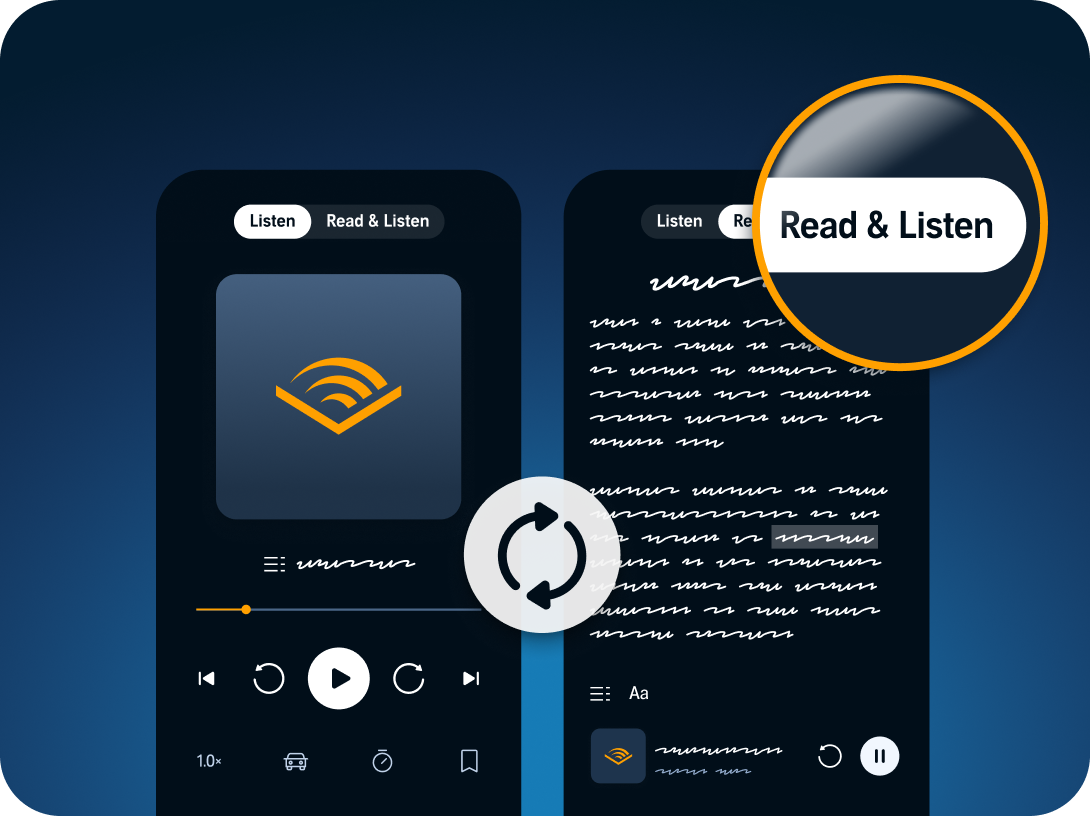
Why try immersion reading?
Retain more of what you read
Studies suggest that pairing reading with listening can help improve how you understand and remember things from your books.
Block out distractions
Immersion reading makes it easy for you to lock in. The narrator’s voice keeps your focus on the page.
Get through more books
Listening speeds you up. Reading keeps you grounded. Together, you'll get through books at a pace you can keep up.
Use Page Sync to pick up where you left off
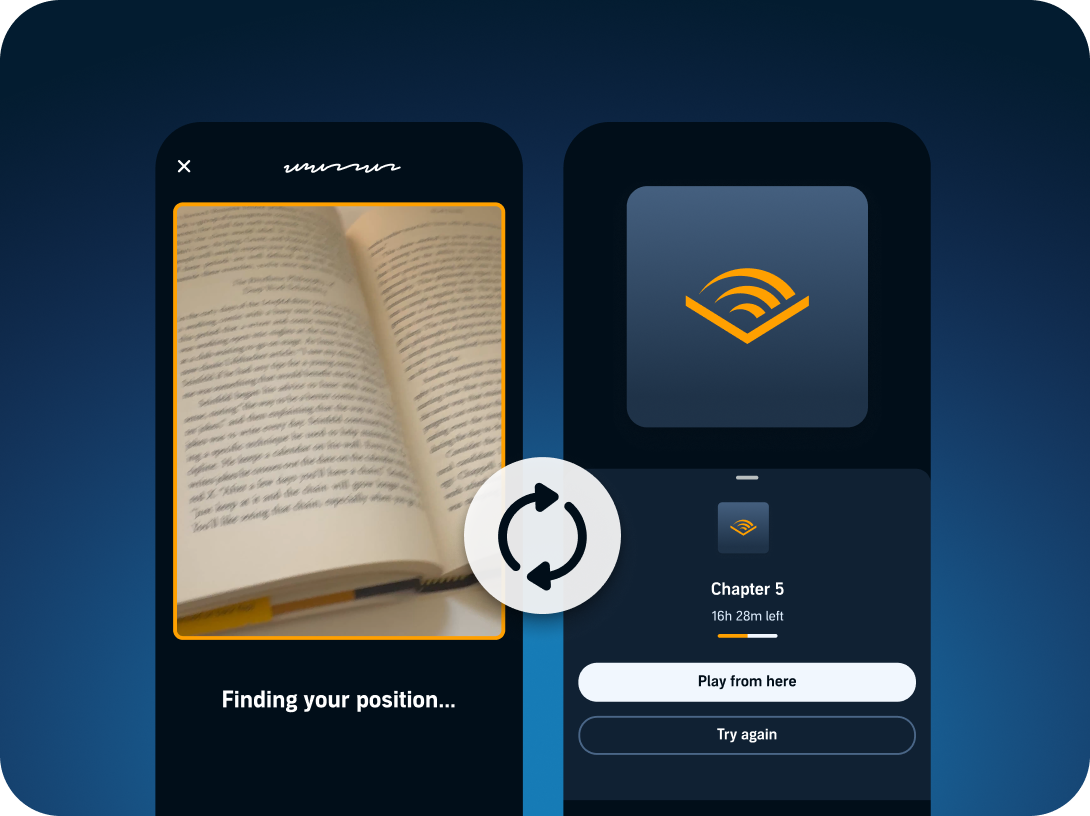
Page Sync gets you back into your story in just three steps.How Page Sync works
-
Scan the page. Point your camera at the page.
-
Let it sync. Audible finds your exact spot in the audiobook.
-
Press play. Pick up where you left off.
Love a physical book?
Why listeners love Page Sync
-
Finish books faster. Read at home, listen on your commute.
-
No bookmarks or guesswork. Audible matches your exact position on the page.
-
Works with books you already own. Scan any book and pair it with the Audible audiobook in your Library.
Browse Read & Listen audiobooks
Popular Read & Listen titles








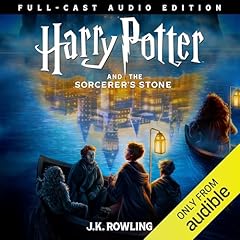
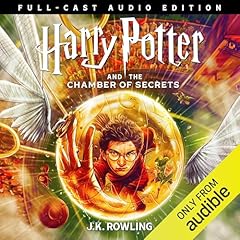
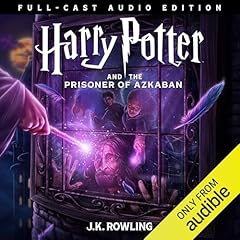
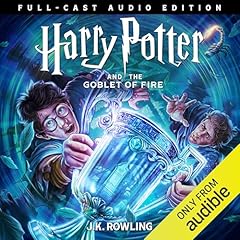
Discover the full-cast Harry Potter series
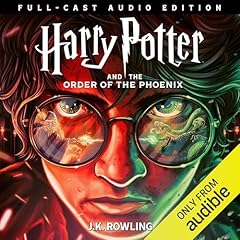
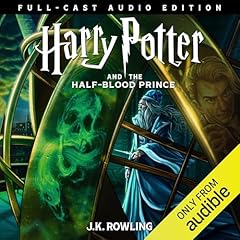

Top Read & Listen genres
Literature & Fiction
Sci-Fi & Fantasy
Mystery & Thriller
Romance
Bios & Memoirs
Social Sciences
Self Development
Religion & Spirituality
Frequently asked questions
Can I read a book while listening on Audible?
Yes. With Read & Listen, you can read the eBook on screen while the audiobook plays with synced narration that highlights the text in real time. You’ll need both the eBook and audiobook for that title.
What’s the difference between Read & Listen in the Kindle app and in the Audible app?
The experience is similar; you just start from a different place. In the Audible app, you start from the audiobook player and toggle Read & Listen to view the eBook text. In the Kindle app, you start with the eBook and can add audio narration on top.
Does Kindle Unlimited include Read & Listen audio for all eBooks?
Availability varies by title. Kindle Unlimited gives you access to many eBooks, but the audiobook isn’t always included. Look for the Read & Listen badge in your Audible Library to get started.
What happened to Whispersync for Voice?
Whispersync for Voice is now called Read & Listen. You’ll start to see "Read & Listen" where you used to see "Whispersync for Voice." The great benefits of the technology remain the same; we gave it a name that better describes what it does.
I’m not seeing the Read & Listen toggle in the Audible app. What happened?
A few things to check:
-
Do you own both the eBook and the audiobook? Read & Listen requires both. If you only have the audiobook, the toggle won’t appear.
-
Is the title eligible? Not all titles support Read & Listen. Look for the Read & Listen badge in your Library.
-
Is your app up to date? Make sure you’re running the latest version of the Audible app.
-
Try closing and reopening the app. Occasionally a restart resolves sync issues.
I bought both the eBook and audiobook. Why isn’t Read & Listen working?
This usually happens because of one of these reasons:
-
Mismatched editions. The eBook and audiobook must be for the same edition of the title. If you purchased a different version of the eBook (e.g., a different publisher or language), the sync may not connect.
-
Regional availability. Read & Listen may not be available in all marketplaces for all titles.
-
Account mismatch. Both purchases need to be on the same Amazon account.
If none of these apply, try removing and re-downloading the title, or contact support.
I rely on Read & Listen due to dyslexia/vision impairment. What are my options if a title isn’t eligible?
We understand that immersion reading is more than a convenience for many listeners; it’s an accessibility tool. If a title doesn’t support Read & Listen, here are some alternatives:
-
Adjust narration speed. Slow down or speed up playback to listen at your own pace.
-
Audible’s screen reader compatibility. The Audible app works with VoiceOver (iOS) and TalkBack (Android) for navigation.
-
Kindle accessibility features. If you have the eBook, Kindle offers adjustable font sizes, font faces (including OpenDyslexic), background colors, and text-to-speech on supported devices.
We’re actively working to expand Read & Listen eligibility across our catalog.
What is Page Sync and how does it work?
Page Sync lets you switch between a physical book and an audiobook without losing your place. Open the Audible app and tap Page Sync. Point your phone’s camera at any page of your physical book, and Page Sync reads it instantly. Once it syncs to the audiobook, just press play to pick up where you left off.
Does Page Sync work with any book, including library books?
Page Sync works by matching the text on a physical page to the corresponding audiobook. For it to work you must own the Audible audiobook for that title and Page Sync must be enabled for that title. It doesn’t matter where your physical copy came from. If the text matches a supported audiobook, Page Sync can find your spot.
Where are immersion reading and Page Sync available?
Immersion reading and Page Sync are currently available for supported English and German language titles in the United States, United Kingdom, Australia, and Germany. We're working hard to expand access to these features to more languages and to everywhere Audible operates globally. Availability of specific features may vary by marketplace and not all titles support Read & Listen in every region. Check your Audible app for the Read & Listen badge to see which titles are eligible in your marketplace.