

How to Download and Use Google’s Search App on Windows 11
No se pudo agregar al carrito
Add to Cart failed.
Error al Agregar a Lista de Deseos.
Error al eliminar de la lista de deseos.
Error al añadir a tu biblioteca
Error al seguir el podcast
Error al dejar de seguir el podcast

How to Download and Use Google’s Search App on Windows 11
-
Narrado por:
-
De:
This story was originally published on HackerNoon at: https://hackernoon.com/how-to-download-and-use-googles-search-app-on-windows-11.
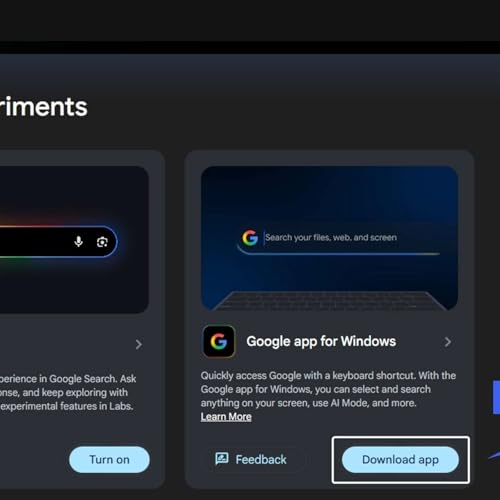
Google is testing a new Windows 11 desktop app that brings Search, AI answers, Lens, and Translate into a floating search experience.
Check more stories related to tech-stories at: https://hackernoon.com/c/tech-stories. You can also check exclusive content about #windows-11-updates, #google-app, #google-app-for-windows, #google-search-desktop-app, #google-search-labs, #google-lens-on-windows, #google-ai-search-features, #google-translate-desktop, and more.
This story was written by: @vigneshwaran. Learn more about this writer by checking @vigneshwaran's about page, and for more stories, please visit hackernoon.com.
Google is experimenting with a Windows 11 desktop app that offers a floating, spotlight-style search bar with AI-enhanced results, Google Lens, image search, and translation features.