

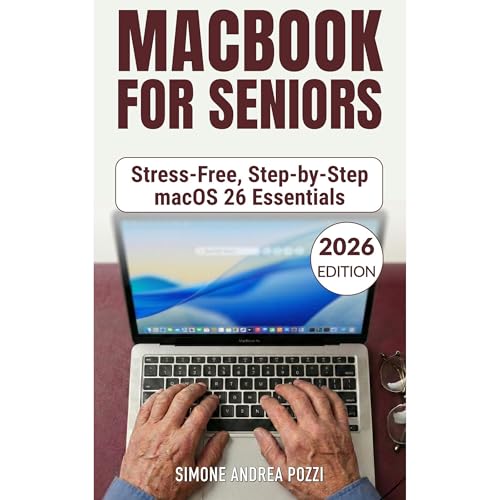
Macbook for Seniors - Stress-Free, Step-by-step macOS 26 Essentials - updated for 2026
for MacBook Air and MacBook Pro
No se pudo agregar al carrito
Solo puedes tener X títulos en el carrito para realizar el pago.
Add to Cart failed.
Por favor prueba de nuevo más tarde
Error al Agregar a Lista de Deseos.
Por favor prueba de nuevo más tarde
Error al eliminar de la lista de deseos.
Por favor prueba de nuevo más tarde
Error al añadir a tu biblioteca
Por favor intenta de nuevo
Error al seguir el podcast
Intenta nuevamente
Error al dejar de seguir el podcast
Intenta nuevamente
Elige 1 audiolibro al mes de nuestra inigualable colección.
Acceso ilimitado a nuestro catálogo de más de 150,000 audiolibros y podcasts.
Accede a ofertas y descuentos exclusivos.
Premium Plus se renueva automáticamente por $14.95 al mes después de 30 días. Cancela en cualquier momento.
Compra ahora por $4.99
-
Narrado por:
-
Virtual Voice

Este título utiliza narración de voz virtual
Voz Virtual es una narración generada por computadora para audiolibros..
If you’re new to Mac (or returning after years away), this guide is built for one thing: helping you use your MacBook calmly and correctly, step by step.
Not a tech manual. No buzzwords. No “assume you already know.” Just clear instructions, everyday examples, and the safest choices first.
Inside, you’ll learn how to:
- Get through unboxing and setup without stress (even if your MacBook is not brand new)
- Understand the Desktop, Dock, Menu Bar, and windows so you never feel “lost” again
- Browse the web with Safari and handle the common moments that confuse beginners
- Use Mail with confidence and stay in touch through video calls
- Protect your accounts with the built-in Passwords app and smarter safety habits
- Back up your Mac the right way with Time Machine so mistakes are reversible
- Use selected Apple Intelligence features in a practical, low-drama way
When something goes wrong and you need an answer fast, the Quick Finder helps you jump straight to the right chapter, fix the issue, and move on.
Who this book is for
- Seniors who want a calm, friendly guide they can trust
- Absolute beginners who want simple steps that actually work
- Anyone who wants the essentials, not 500 pages of jargon
Todavía no hay opiniones